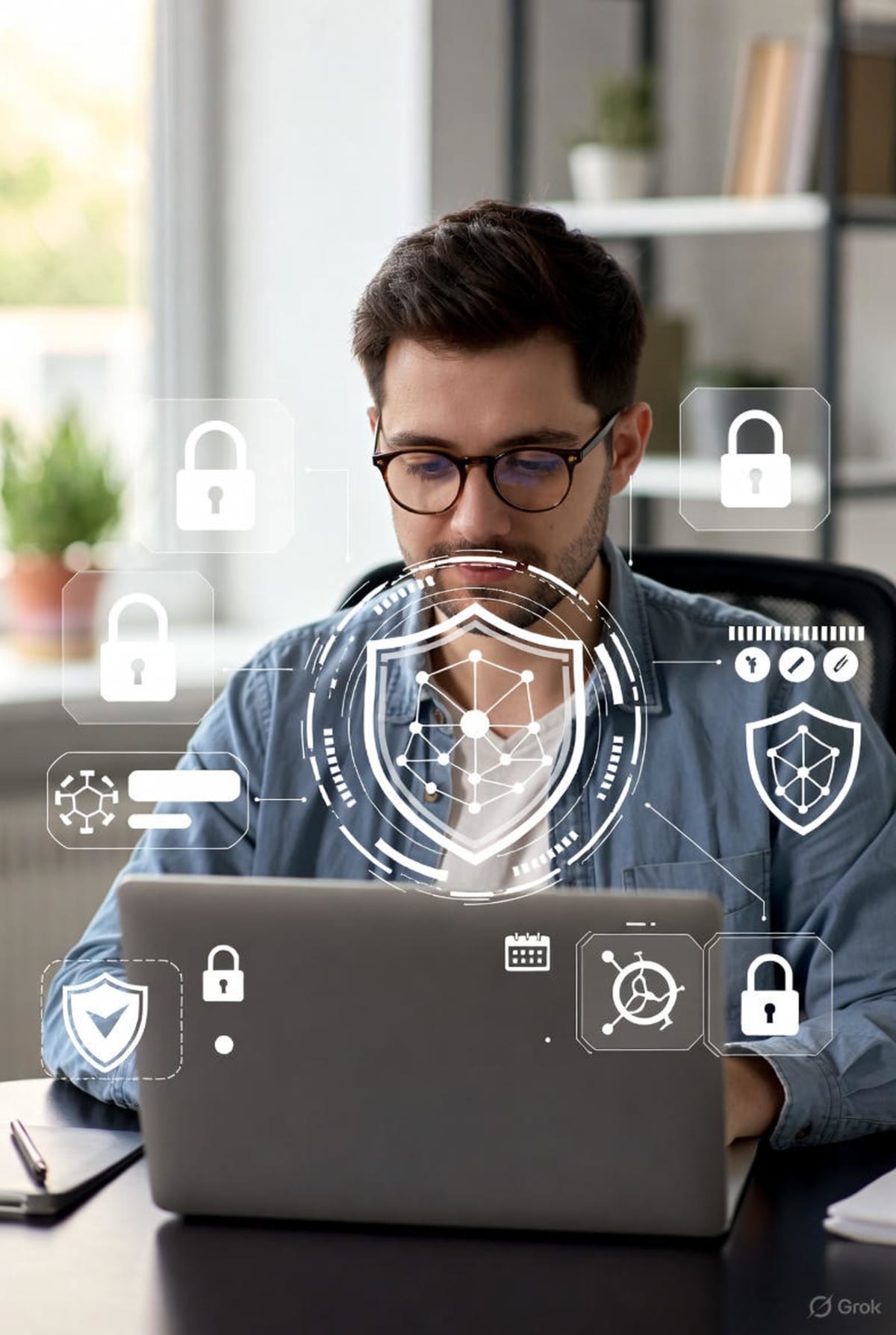
Introduction: The Other Side of Remote Work
In Part One: The Rise of Remote Work, we explored how technology reshaped where and how people work. However, the same tools that enable remote collaboration cloud platforms, personal devices, and home networks have also expanded the attack surface for cybercriminals.
Remote work is no longer temporary. It is permanent. That makes cybersecurity no longer optional.
Why Remote Work Increases Cybersecurity Risks
Traditional offices rely on secured networks, managed devices, and centralized IT monitoring. Remote work breaks this model by introducing:
- Personal Wi-Fi networks with weak security
- Unmanaged devices (BYOD – Bring Your Own Device)
- Increased reliance on cloud services
- Reduced visibility for IT teams
This shift has made remote workers one of the most targeted groups by cyber attackers.
Common Cyber Threats Facing Remote Workers
1. Phishing and Social Engineering Attacks
Phishing remains the number one threat to remote workers. Attackers impersonate managers, HR teams, or collaboration tools to trick employees into revealing credentials.
According to Verizon’s Data Breach Investigations Report, over 70% of breaches involve social engineering or phishing.
Real Example: During the COVID-19 remote work surge, attackers sent fake Zoom and Microsoft Teams login emails, harvesting thousands of corporate credentials.
2. Insecure Home Networks
Most home routers are rarely updated and often use default passwords. Once compromised, attackers can intercept traffic or inject malware into connected devices.
This risk becomes more serious when remote workers handle sensitive company data from home.
3. Weak Endpoint Security
Personal laptops may lack enterprise-grade antivirus software, disk encryption, or security patches.
If a device is stolen or infected, attackers can gain access to emails, cloud dashboards, and internal systems.
4. Cloud Misconfigurations
Remote teams rely heavily on cloud platforms such as Google Drive, Dropbox, and AWS. Misconfigured permissions can expose confidential files to the public.
A well-known example is the exposure of millions of records due to unsecured cloud storage buckets, as documented by UpGuard.
Real-World Cyber Incidents Linked to Remote Work
In 2020, a major European company suffered a ransomware attack after an employee connected to a corporate VPN from an infected home device. The attacker moved laterally through the network, encrypting critical systems.
Another case involved a U.S. law firm where confidential client files were leaked after credentials were stolen through a phishing email sent to a remote employee.
These incidents show that a single weak endpoint can compromise an entire organization.
Best Practices for Securing Remote Work Environments
Use Strong Authentication
Enable multi-factor authentication (MFA) for all work accounts. Even if passwords are stolen, MFA prevents unauthorized access.
Secure Home Networks
Remote workers should change default router passwords, enable WPA3 or WPA2 encryption, and keep firmware updated.
Adopt VPNs and Zero Trust Models
VPNs encrypt internet traffic, while Zero Trust ensures users and devices are verified before accessing resources.
Learn more about Zero Trust from Cloudflare.
Educate Employees on Cyber Awareness
Technology alone is not enough. Employees must be trained to recognize phishing emails, suspicious links, and unsafe downloads.
Organizations that invest in regular security awareness training experience significantly fewer breaches.
The Future of Remote Work Security
As remote and hybrid work models continue to evolve, cybersecurity strategies must adapt. Artificial intelligence, behavioral analytics, and endpoint detection tools are increasingly being used to protect distributed teams.
Remote work is here to stay—and so is the responsibility to secure it.